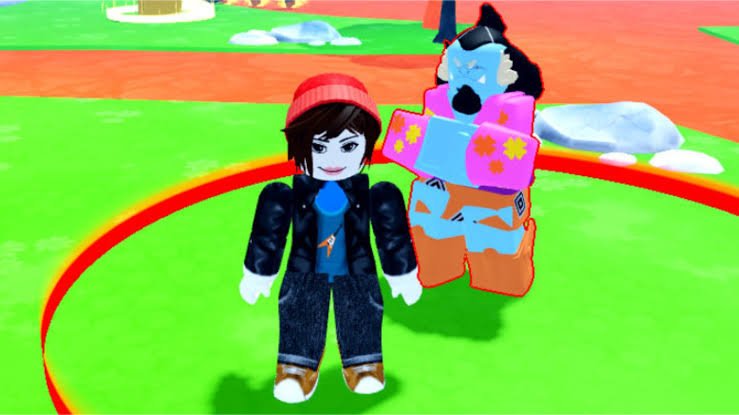
Looking for free Anime Geek rewards? Use the redemption guide below to enter the latest codes and unlock potions, race shards, keys, and other useful resources.
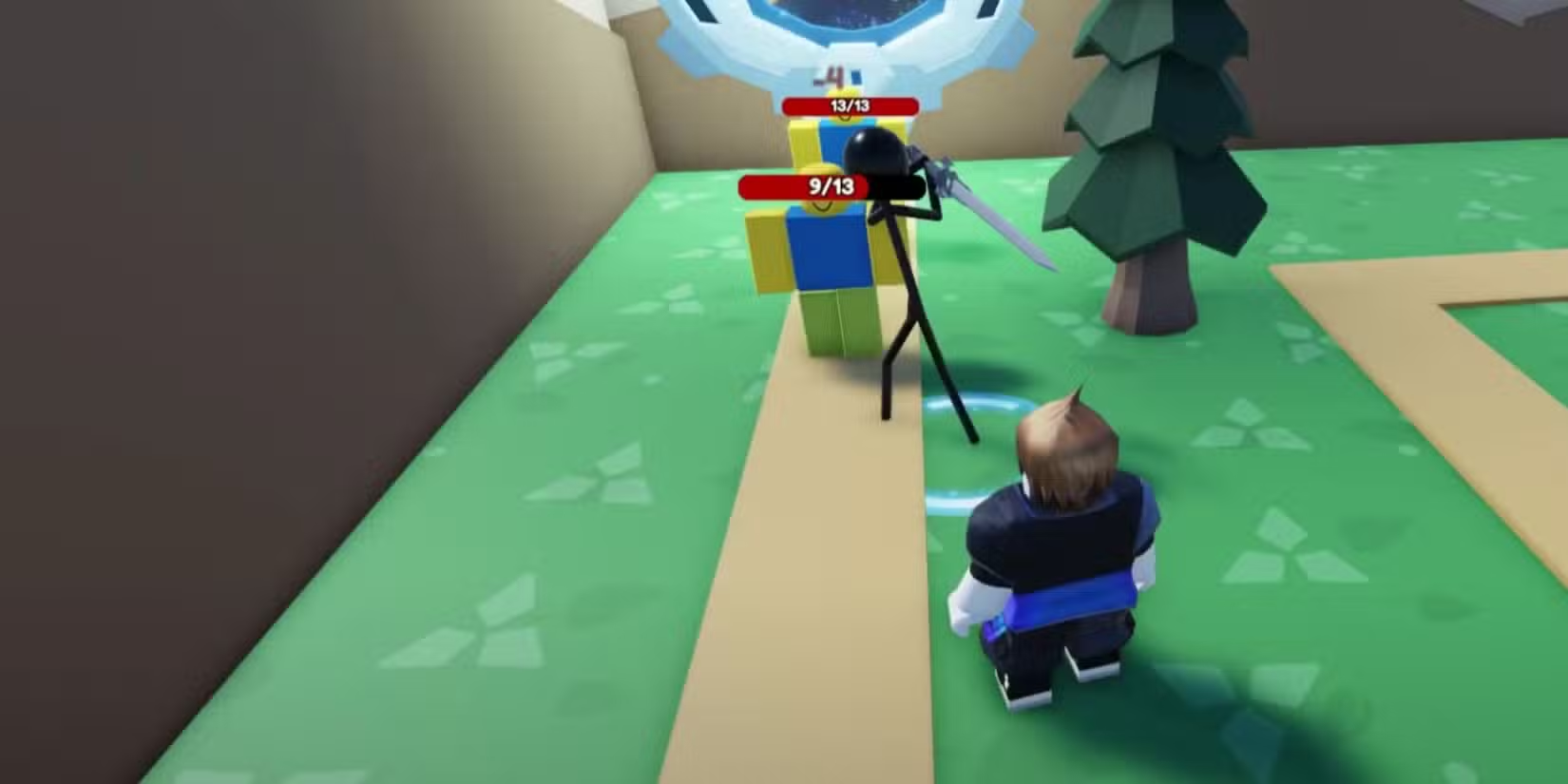
In the game, you create and strengthen your character by battling powerful enemies, completing quests, and challenging other players. As you progress, you can unlock new abilities, explore different islands and locations, and collect valuable resources to improve your stats and equipment.
To help you advance more quickly, you can redeem Anime Geek codes for free rewards such as Luck Potions, Damage Potions, Race Shards, Books, Volls, Cursed Fingers, Keys, and other useful items. These rewards make it easier to upgrade your character, unlock new content, and take on tougher enemies without spending as much time grinding.
✓ Verified All New Anime Geek Codes
| Code | Rewards | Copy Code |
|---|---|---|
| SLAYERISLAND NEW | 2x Damage Potion and 2x Luck Potion |
|
| GRIMOIRES NEW | 10x Books |
|
| GLOBALBOSSFIXED | 10x Volls |
|
| GLOBALBOSS | 10x Volls and 1x Damage Potion |
|
| 7KLIKES | 10x Volls, 15x Cursed Fingers, and 1x Damage Potion |
|
| GEEKRELEAS3 | 2x Race Shards |
|
 Expired Anime Geek Codes
- 3KLIKES
- 2KLIKES
- 1KLIKES
- SHUTDOWN1
- NEWBALANCE
If you’re looking for more anime-inspired Roblox games, check out Anime Geek 2 codes for another related experience. You can also explore Anime Power League codes for more anime action or try Anime Rising codes for a different character progression system. For more options, browse our Roblox game codes list.
How to Redeem Anime Geek Codes
Redeeming Anime Geek codes is quick and easy. Just follow the steps below to claim your free rewards, including potions, race shards, keys, and other useful items that will help you progress faster in the game.
- Launch Anime Geek in the Roblox app.
- Click on the Codes icon on the leftmost side.
- Enter a working code in the text box.
- Press the Redeem button to claim rewards.
How to Get More Anime Geek Codes
Finding the latest Anime Geek codes doesn’t have to be difficult. We keep this page updated with newly released codes and remove expired ones, making it easy to find rewards that still work. Bookmark this page and check back regularly so you never miss free in-game items.
If you’d rather track down codes yourself, join the official Anime Geek Discord server, where new codes are often shared in the dedicated codes channel. You can also follow the developer @Nevelnc on X and join the Nevel Inc Roblox Group for announcements, update news, and special events.
Troubleshooting to fix Anime Geek Codes not working
If you’re still unable to redeem a code after trying the steps above, wait for the next game update or check whether the developer has disabled the code. We also recommend copying and pasting the code directly to avoid typing mistakes.
Case-sensitive code: The code is case senesetive so you can enter the correct code or simply copy and paste the code to resolve the problem.
Level Requirement: Some codes are redeem of youre completed the specified level, so check it out the game rules.
Expired code: If you’ve entered an expired code, then you cannot redeem it.
Internet Connection: Sometimes the code isn’t redeemed due to the failure of the internet connection, so check the internet connection or wifi that you have connected to and restart the game.
These troubleshooting steps help you redeem your code.